Web related projects
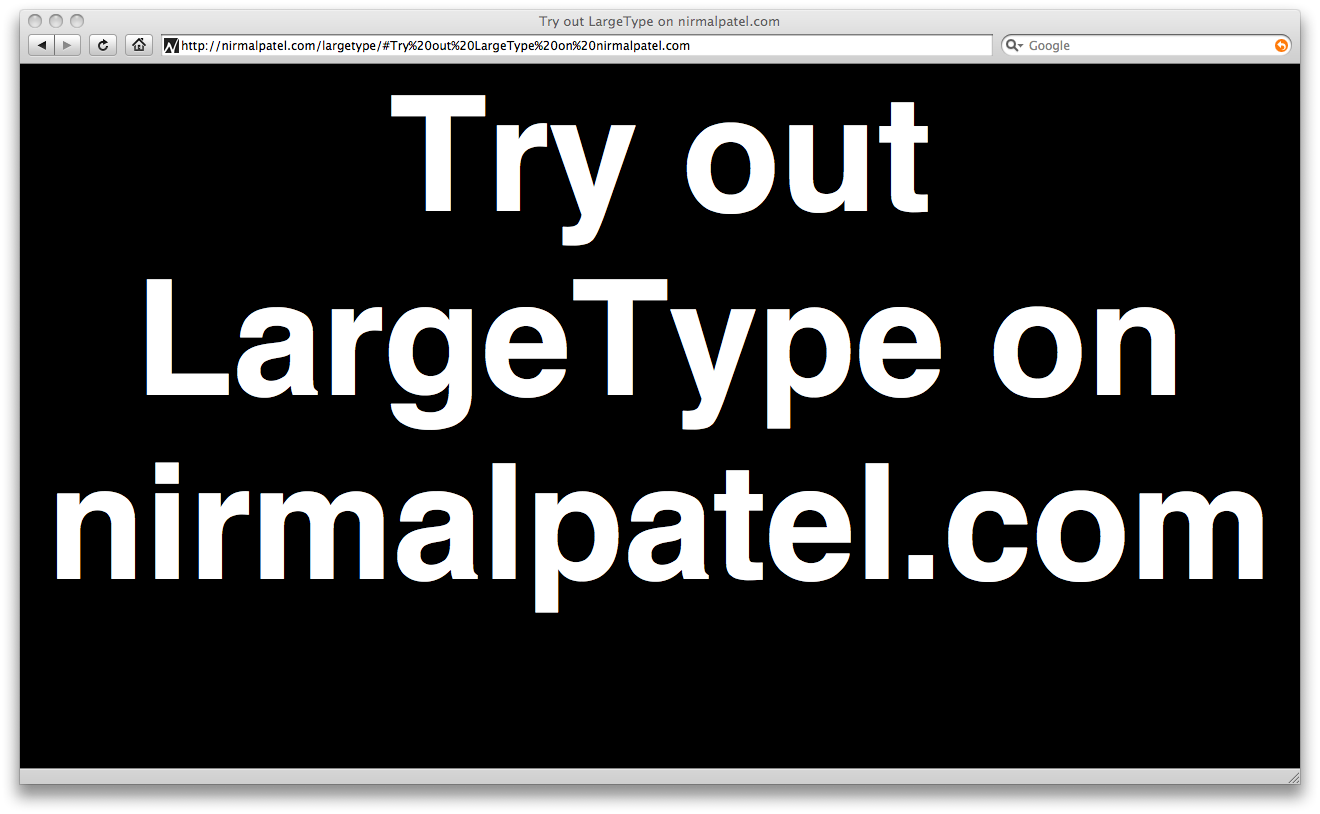
- LargeType is a simple site that lets you quickly display a message in very large text using your browser.
- AutoPair is a Greasemonkey script that adds TextMate’s “Auto-pair characters” feature to all text inputs on any website.
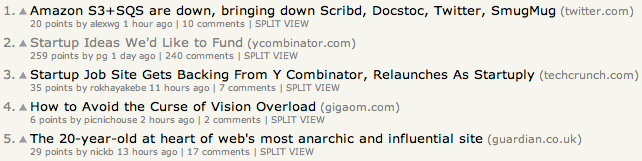
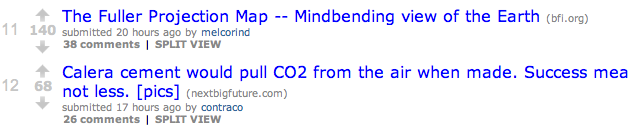
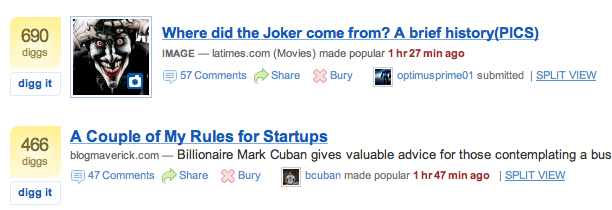
- SplitView is a Greasemonkey script which adds an unobtrusive “Split View” link to posts on Google Reader, Hacker News, Reddit, Digg, Techcrunch and Underln. It allows you to view the linked site and comments side-by-side.
- JSON 2 POSH allows for easy conversion of JSON objects into Plain Old Semantic HTML.
- Tweet Page is a bookmarklet that allows you to tweet out a shortened version (using is.gd) of a webpage you are visiting.
- our area allows you to easily create an embeddable Google Map showing the area around your business that you deliver to or support.
LargeType
LargeType will allow you to easily display a message in your browser so that you can show it to someone at a distance. It is inspired by Quicksilver’s LargeType feature. When you go to the page, a simple JS prompt will ask you what you want to say. You type something in, hit enter and voila, your message will show up in the largest possible font size that will fit in your browser.
To change the message just click on the text. Or bookmark the link so you can show the message again without re-typing it.
AutoPair
This is my first pass at adding TextMate’s “Auto-pair characters” feature to textarea’s and text input fields. It makes use of Greasekit or Greasemonkey. It will automatically pair double quotes, parentheses, curly/square brackets. If you press the opening key when text is selected it will automatically be wrapped in the paired characters.
Update: Fixed a bug where textareas and text inputs that weren’t inside form tags were not modified.
    // ==UserScript==
    // @name           AutoPair Characters
    // @namespace      autopair
    // @description    Automatically add closing characters for opening
    //                 characters such as quotes, () or {} for all
    //                 textareas and text input
    // @include        *
    // ==/UserScript==


    var pairOpener = "\"({[";
    var pairCloser = "\")}]";

    function setCaretTo(obj, pos) {
        if(obj.createTextRange) {
            /* Create a TextRange, set the internal pointer to
               a specified position and show the cursor at this
               position
            */
            var range = obj.createTextRange();
            range.move("character", pos);
            range.select();
        } else if(obj.selectionStart) {
            /* Gecko is a little bit shorter on that. Simply
               focus the element and set the selection to a
               specified position
            */
            obj.focus();
            obj.setSelectionRange(pos, pos);
        }
    }


    function checkForPair(event) {
        var character = String.fromCharCode(event.charCode);
        var pairI = pairOpener.indexOf(character);
        if (pairI != -1) {
            var v  = this.value;
            var ss = this.selectionStart;
            var se = this.selectionEnd;
            var cc = pairCloser[pairI];
            var preSel  = v.substring( 0, ss);
            var sel     = v.substring(ss, se);
            var postSel = v.substring(se);
            this.value = preSel + sel + cc + postSel;
            setCaretTo(this, ss);
        }
    }

    function modifyForm() {

        var elements = document.getElementsByTagName("input");

        for (var e=0; e < elements.length; e++) {
            var ele = elements[e];
            if (ele.type == "text") {
                //text input
                ele.addEventListener("keypress", checkForPair, false);
            }
        }

        var elements = document.getElementsByTagName("textarea");
        for (var e=0; e < elements.length; e++) {
            var ele = elements[e];
            //text area
            ele.addEventListener("keypress", checkForPair, false);
        }
    }

    var _timer = null;

    if (/WebKit/i.test(navigator.userAgent)) { // sniff
        _timer = setInterval(function() {
            if (/loaded|complete/.test(document.readyState)) {
                if (_timer) clearInterval(_timer);
                modifyForm(); // call the onload handler
            }}, 10);
    } else {
        window.addEventListener('load', modifyForm, true);
    }
Test Textarea
http://nirmalpatel.com/autopair/autopair.user.js
Split View
Splitview is a Greasemonkey script which adds an unobtrusive “Split View” link to posts on Google Reader, Hacker News, Reddit, Digg, Techcrunch and Underln. It also works under Safari with the help of GreaseKit.
Update (01 / 03 / 2009): I just added support for Google Reader. If any story in Google Reader has a link called “Comments” it will automatically have a “Split View” link appended to it.
After the page loads, the domain determines which filter function to use. This function returns an array where each element is an array containing the article link, discussion link and the DOM node to which the Split View link is added. An optional 4th parameter can be the DOM node that represents the link. If this link is not provided then createLink function is used to make one. Future additions will require updating the @include in the meta, updating siteKey and adding the new filter function.
http://nirmalpatel.com/splitview/splitview.user.js
Follow me on twitter for updates.
Hacker News
Reddit
Digg
JSON 2 POSH
JSON 2 POSH allows for easy conversion of JSON objects into Plain Old Semantic HTML. Arrays are converted to Ordered Lists (OL) and objects are converted to Unordered Lists (UL) where each List Item (LI) has a class equal to the key of the value in the object. Strings are checked for urls which are automatically converted into links. Booleans, numbers and null are converted to strings. The result is then stored in a placeholder div. CSS is used to format the output.
Tweet Page
Tweet Page is a bookmarklet that allows you to tweet out a shortened version (using is.gd) of a webpage you are visiting along with the title of the page. Bookmark TweetPage and try it out. The bookmarklet takes you straight to Twitter to edit your message and then submit. Your username/password never pass through a server other than Twitter’s. If you’re already logged in, you’ll go straight to your Twitter homepage.
The bookmarklet takes you to:
http://nirmalpatel.com/tweetpage/tweetpage.fcgi?t=TITLE&u=CURRENT_ADDRESS
The current address is encoded using encodeURIComponent. The page that is loaded performs a 302 redirect to your twitter home and puts the shortened url into the status textarea.
Update (01/04/2009): If you use Twitterific on your iPhone or iPod Touch you may want to bookmark Twitterrific instead. This will launch Twitterrific with the page title and a shortened URL.
Our Area
our area allows you to easily create an embeddable Google Map showing the area around your business that you deliver to or support. This tool was made for people who wanted to have a map highlighting delivery or service areas but didn’t want to go through the trouble of capturing a map screenshot and manually adding an overlay using Photoshop or some similar software. After labeling and highlighting your area you can simply copy and paste the snippet of HTML into your website.
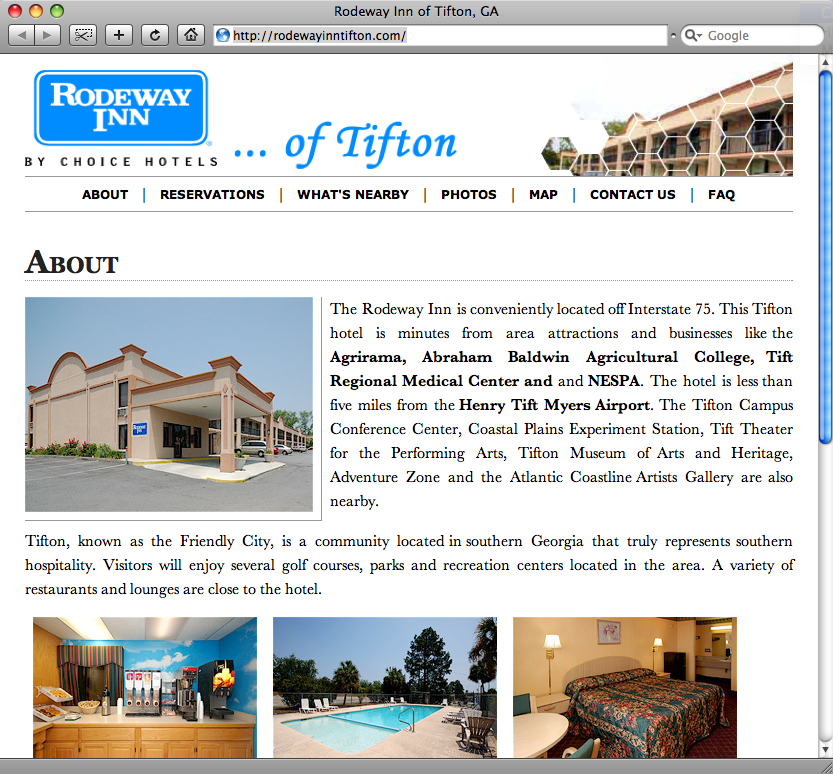
Rodeway Inn
Rodeway Inn is a site that I created for my father’s motel. It’s my first exploration of elastic design on the web. See this article on alistapart for more details on elastic design. All dimensions for image size, padding, margin and text are set in ems to allow for smooth zooming of the entire page. Unlike many sites where zooming only increases text size, zooming will increase the size of all aspects of the layout. Lessons learned from this site will soon be applied to all of my sites (including this one).